Screen-first or hands-on first? Pick the right starting point
Python and Arduino are both excellent starting points. Compare them by cost, difficulty, and goals, then follow a simple path that uses both.
Introduction
Ask ten teachers whether a beginner should start with Python or Arduino, and you may get ten confident answers. The truth is that both are excellent, and the better first step depends on the student's age, interests, and goals. This guide explains what each one is, how they differ, and a simple way to decide, so parents and students can start without second-guessing.
What are Python and Arduino?
What is Python. Python is a general-purpose programming language known for readable, almost English-like code. It runs on a normal computer and is used for everything from simple games and automation scripts to data analysis and artificial intelligence. A beginner's first Python program can be a single line that prints a message. Within weeks, students can build quizzes, calculators, or small games. Why students like it: results appear on the screen immediately, and mistakes are easy to spot.
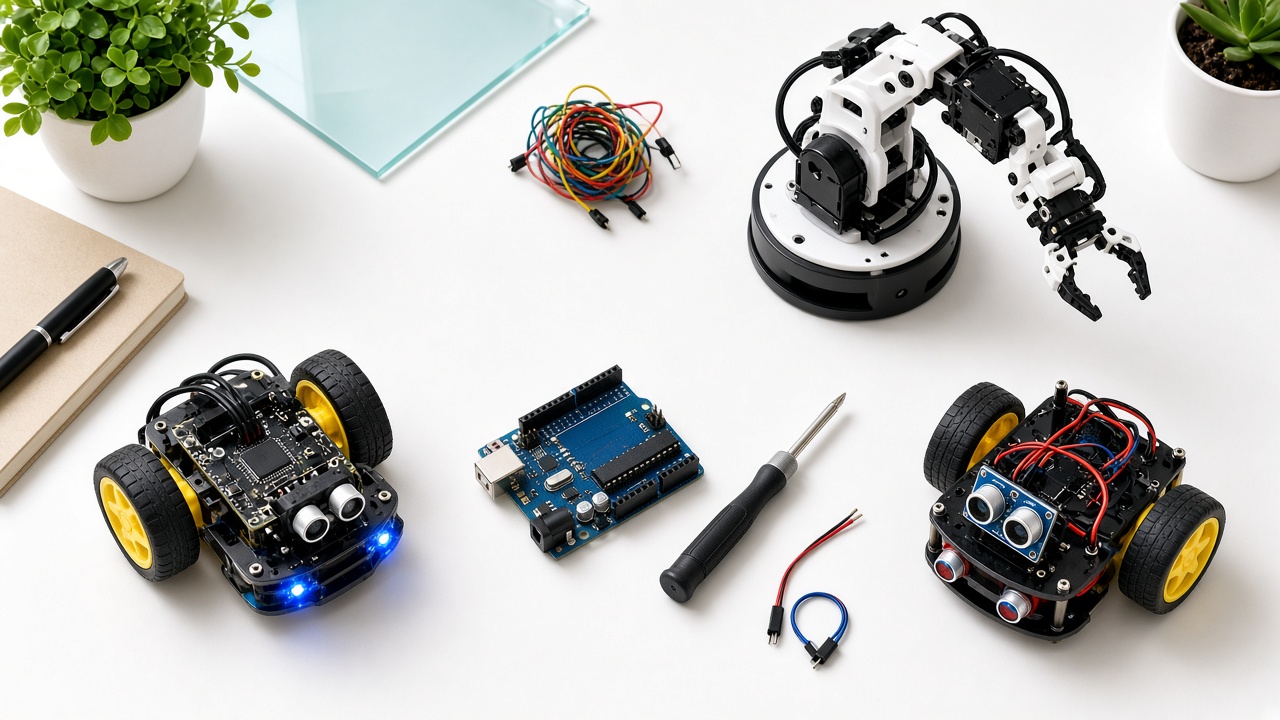
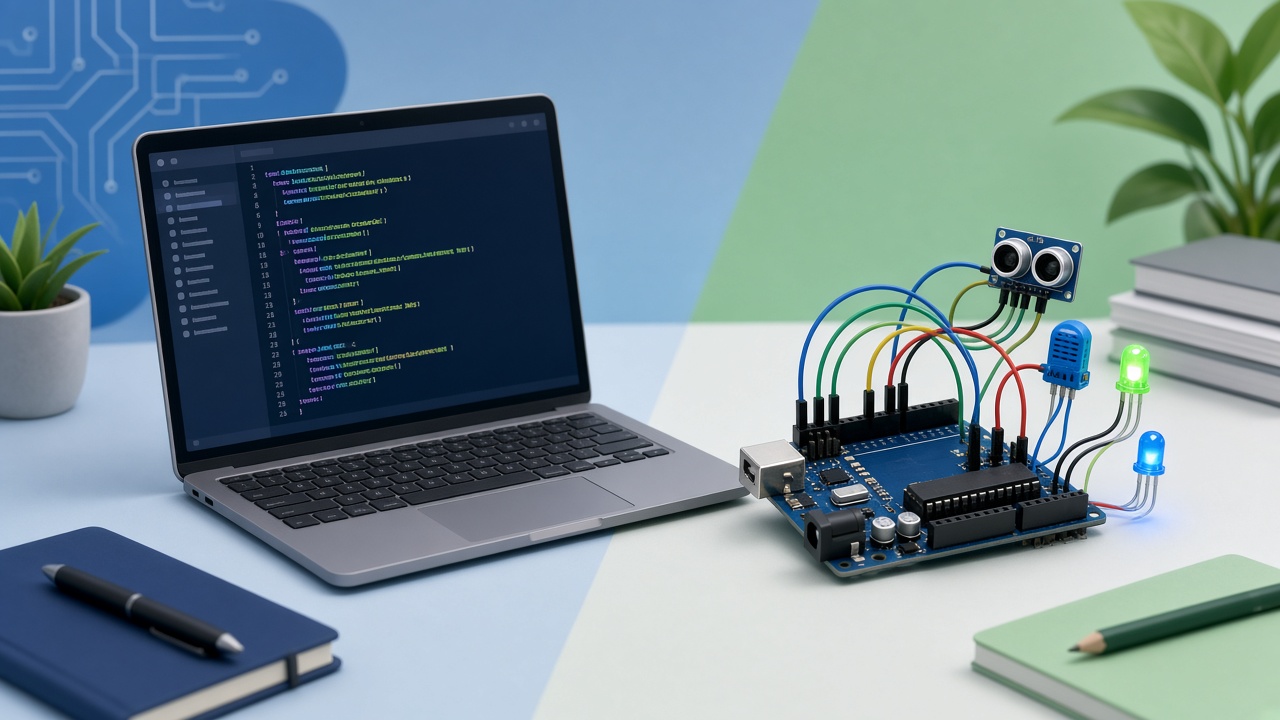
What is Arduino. Arduino is a family of small, low-cost microcontroller boards you connect to sensors, lights, motors, and buzzers. You write a short program on your computer, upload it to the board, and the board then controls the real world: blinking an LED, measuring distance, or driving a robot. Arduino programs are usually written in a language based on C/C++, but beginners rarely need advanced features. Most early projects use a few simple commands. Why students like it: they can touch and see what their code does.
Python vs Arduino: key differences
What you work with. Python works mostly on-screen with software. Arduino works with physical components such as wires, sensors, and motors.
Learning curve. Python's syntax is forgiving and compact. Arduino code is also small for beginner projects, but students must additionally understand circuits, connections, and power, which adds early complexity.
Cost. Python is free and runs on any computer. Arduino needs hardware, such as a board, breadboard, sensors, and wires, though beginner starter kits are generally affordable compared with advanced robotics equipment. Exact prices vary by supplier.
Feedback. Python gives feedback through the screen. Arduino gives feedback through physical action, which can be more exciting but also more confusing when something does not work, because the problem could be code or wiring.
Where it leads. Python leads naturally to data science, web development, automation, and machine learning. Arduino leads to electronics, embedded systems, robotics, and the internet of things. The two also meet: Python is widely used to control and analyse data from physical devices.
Which should a beginner learn first?
Choose Python first if the student: Is comfortable with typing and reading, typically around Class 6 and above; Enjoys games, puzzles, or logic; Is interested in AI, data, or apps; Does not yet have access to hardware kits.
Choose Arduino first if the student: Loves building, tinkering, and taking things apart; Learns best by touching and seeing physical results; Is excited by robots, lights, and gadgets; Gets bored with only screen-based activities.
Younger students (below Class 6). Neither text-based option is necessarily the best start. Block-based coding and simple robotics kits teach the same ideas of sequence, loops, and conditions with less typing. Move to Python or Arduino once the basics feel natural.
A practical path that uses both
Many students do best by combining the two. A sample path:
1. Months 1 to 2: Block-based coding or basic Python to understand variables, loops, and conditions 2. Months 3 to 4: Arduino basics, such as LEDs, buttons, and a distance sensor, using the logic already learned 3. Months 5 to 6: A small project that joins both, such as a sensor that logs data which Python then plots as a graph 4. After that: Choose a direction: robotics, AI, or app development.
The exact timing varies from child to child. What matters is steady practice and a project that the student cares about.
Common mistakes and career goals
Common beginner mistakes. Jumping to complex projects. Start with small wins like blinking an LED or printing a pattern; Copying code without understanding. Ask students to explain each line in their own words; Blaming the code for a wiring problem. Check connections and power first on Arduino projects; Skipping practice. Twenty minutes a few times a week beats one long weekend session; Comparing with others. Every learner moves at their own pace.
Which one helps with school and career goals. For students interested in computer science, Python is a strong foundation. For those drawn to engineering, electronics, or robotics, Arduino offers a valuable hands-on base. Either path supports STEM thinking, and neither locks a student into a single career. Skills transfer: logic learned in one language helps in the next.
Frequently asked questions
Q: Is Python easier than Arduino? A: For most beginners, Python is easier at the very start because it needs only a computer. Arduino adds the extra layer of hardware, which many students find rewarding but initially trickier.
Q: Can my child learn both at the same time? A: Yes, though it is usually smoother to build a little confidence in one first, then add the other. A good class will connect the two through projects so they reinforce each other.
Q: Do we need to buy equipment to start? A: Python needs no special equipment beyond a computer. For Arduino, a beginner starter kit is typically enough to begin. Many classes and workshops provide kits so families can try before buying.
Learn Python and robotics with SheepByte
SheepByte is an AI and robotics education company based in Udaipur, Rajasthan. Our Coding Bootcamp and Robotics Lab programs help students start with the right tool for their age and interests, and move on to AI Learning, Drone Technology, and Innovation Club projects when they are ready. We run workshops in Jaipur, Delhi, and online.
Questions about where your child should begin? Email support@sheepbyte.com or visit sheepbyte.com.